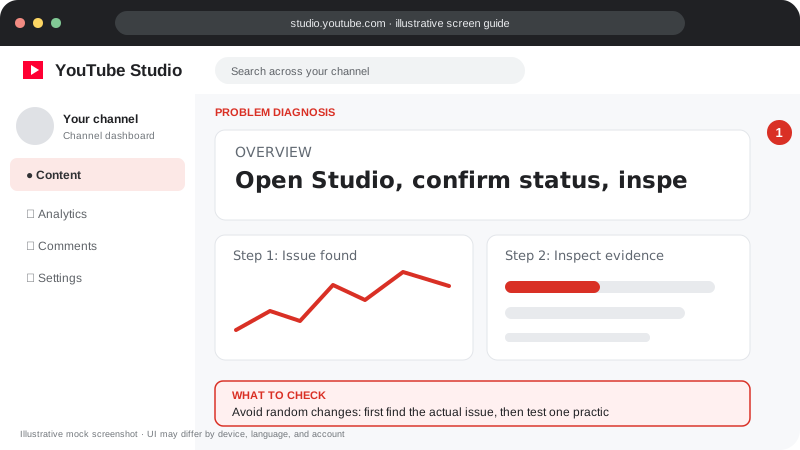
Problem screen
A simple troubleshooting workflow
Avoid random changes: first find the actual issue, then test one practical fix.
Helpful guides for creators at every stage
Follow the screen-style walkthrough below, then use the detailed checklist on this page. These are original illustrative mock screenshots—not copied official YouTube screenshots. Exact labels can vary by app version, device, language, and account.
Avoid random changes: first find the actual issue, then test one practical fix.
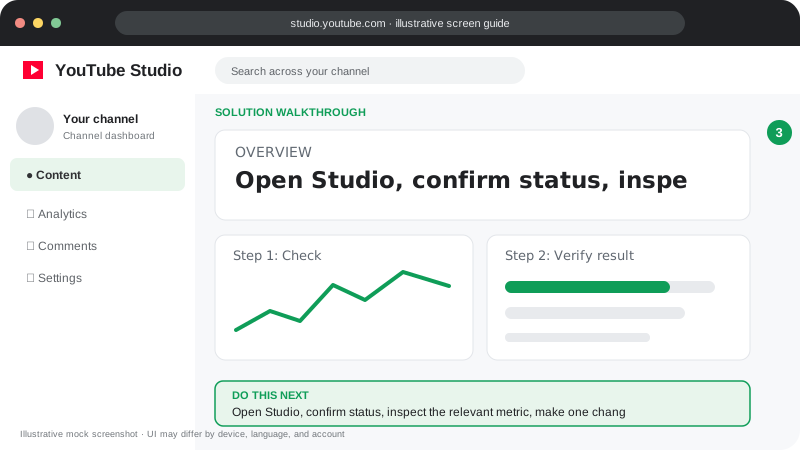
Open Studio, confirm status, inspect the relevant metric, make one change, and compare results with a similar time period.
Visuals are instructional mockups for learning, not live screenshots from your YouTube account. Confirm important settings in your own YouTube Studio.
Low views, impressions, click-through rate and video reach.
Build a loyal audience and understand subscriber growth.
Search keywords, titles, descriptions and discoverability.
Shorts stuck at zero views, retention and distribution.
Find channel status, recent performance and important alerts.
Titles, descriptions, thumbnails, visibility and scheduling.
Views, watch time, retention, traffic sources and audience.
Understand checks, claims, restrictions and channel safety.
Guides focus on practical steps and official YouTube Help resources. Features, eligibility and interface labels can change, so check the current YouTube Studio interface and official policies before acting.