Open this practical guide →
Disclaimer: Independent educational content, not an official YouTube or Google website.
Open this practical guide →
Open this practical guide →
Open this practical guide →
Open this practical guide →
Visual screenshot guide: problem and solution
Follow the screen-style walkthrough below, then use the detailed checklist on this page. These are original illustrative mock screenshots—not copied official YouTube screenshots. Exact labels can vary by app version, device, language, and account.
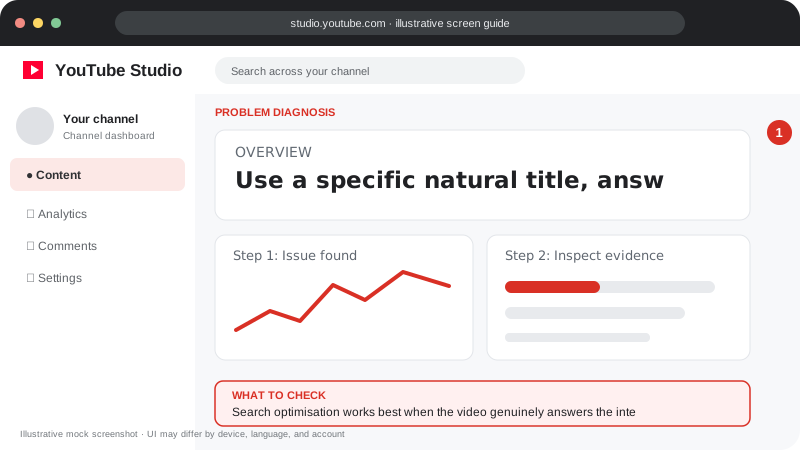
Problem screen
Improve search discovery
Search optimisation works best when the video genuinely answers the intended query.
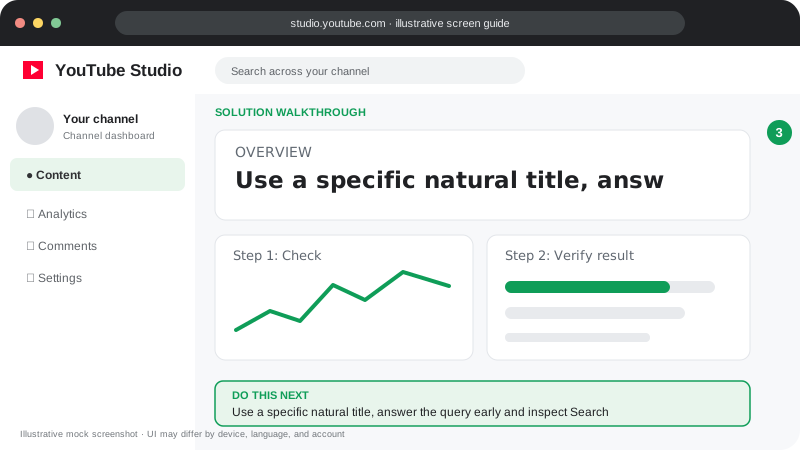
Solution steps
Follow this fix
Use a specific natural title, answer the query early and inspect Search traffic after allowing time for data to accumulate.
Visuals are instructional mockups for learning, not live screenshots from your YouTube account. Confirm important settings in your own YouTube Studio.
Official YouTube resources
- YouTube Help Center — account, upload, playback, and policy troubleshooting.
- YouTube Studio — manage content and inspect analytics.
- Search and discovery tips — official guidance for videos and Shorts.
- Partner Program eligibility — current monetization requirements.
Advice on this site is educational; official YouTube notices and Help pages take precedence.