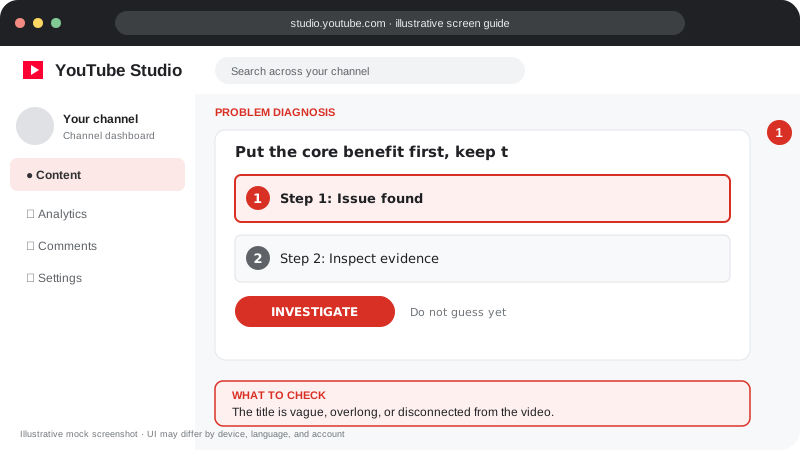
Problem screen
Title does not earn clicks
The title is vague, overlong, or disconnected from the video.
A strong title is specific, accurate and easy to understand at a glance.
A strong title is specific, accurate and easy to understand at a glance.
Follow the screen-style walkthrough below, then use the detailed checklist on this page. These are original illustrative mock screenshots—not copied official YouTube screenshots. Exact labels can vary by app version, device, language, and account.
The title is vague, overlong, or disconnected from the video.
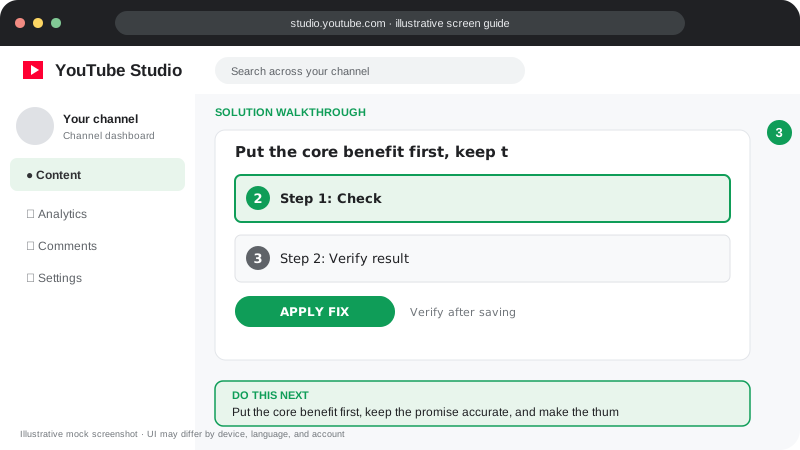
Put the core benefit first, keep the promise accurate, and make the thumbnail add context rather than repeat the title.
Visuals are instructional mockups for learning, not live screenshots from your YouTube account. Confirm important settings in your own YouTube Studio.
State the topic, outcome or question near the beginning.
Use concrete wording instead of vague hype.
Make sure the video delivers the promise in the title.
Pair the title with a complementary thumbnail rather than repeating the same words.
Compare performance over time and avoid overreacting to small samples.
Put clarity first; place the main phrase early when it reads naturally.
Practical guidance for creators in different countries, languages, and device environments. Menu labels can vary by YouTube Studio version; follow the notices shown on your own account.
State the subject or result early so the title is understandable on a small screen. Use a number or time claim only when the video genuinely supports it.
A clear “how to fix X error on Android” usually communicates more than a vague “You won’t believe this.” Never promise a result the video cannot deliver.
The title and thumbnail should complement one another rather than repeat identical text. The opening should quickly confirm that the viewer clicked the right video.
Review CTR by traffic source and compare similar videos over enough impressions. Consider retention and viewer satisfaction; a click alone is not success.
Use them sparingly if they improve clarity. They cannot compensate for a weak or misleading promise.
Yes, but make deliberate edits and then evaluate results; performance changes do not prove that the edit alone caused the difference.
Official reference: Read YouTube Help for this topic ↗. Official rules and interface details may change; use the current page as the final authority.