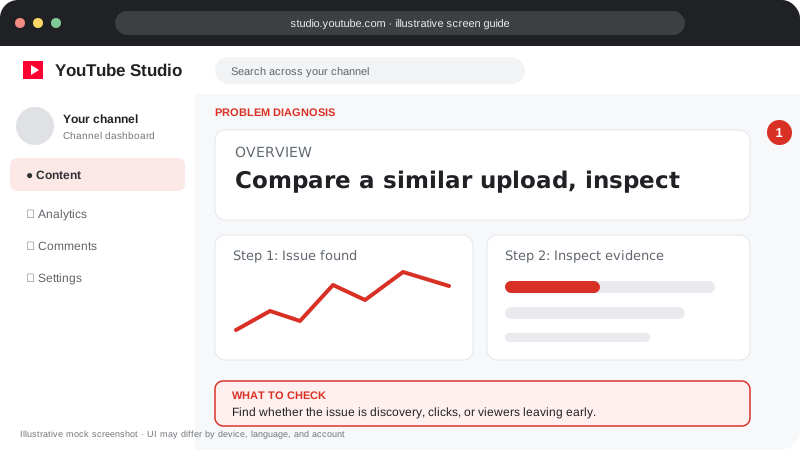
Problem screen
Videos not getting views
Find whether the issue is discovery, clicks, or viewers leaving early.
Separate a distribution problem from a click or retention problem before changing your strategy.
Separate a distribution problem from a click or retention problem before changing your strategy.
Follow the screen-style walkthrough below, then use the detailed checklist on this page. These are original illustrative mock screenshots—not copied official YouTube screenshots. Exact labels can vary by app version, device, language, and account.
Find whether the issue is discovery, clicks, or viewers leaving early.
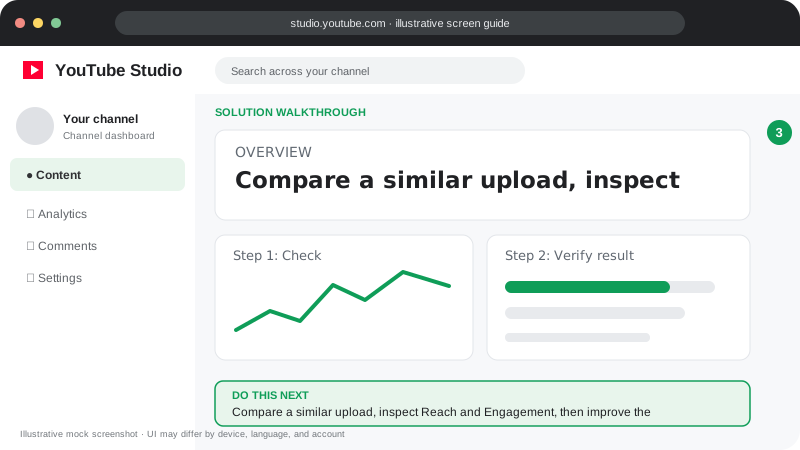
Compare a similar upload, inspect Reach and Engagement, then improve the title/thumbnail or opening based on the metric that is weak.
Visuals are instructional mockups for learning, not live screenshots from your YouTube account. Confirm important settings in your own YouTube Studio.
Confirm the video is public and can be opened while signed out.
In YouTube Studio Analytics, compare impressions, click-through rate, views and traffic sources.
If impressions are low, clarify the topic and publish for a specific audience.
If impressions are present but clicks are weak, test a clearer title and thumbnail over time.
If viewers leave early, improve the opening and deliver the title’s promise faster.
Start with visibility and restrictions, then inspect impressions, click-through rate and retention.