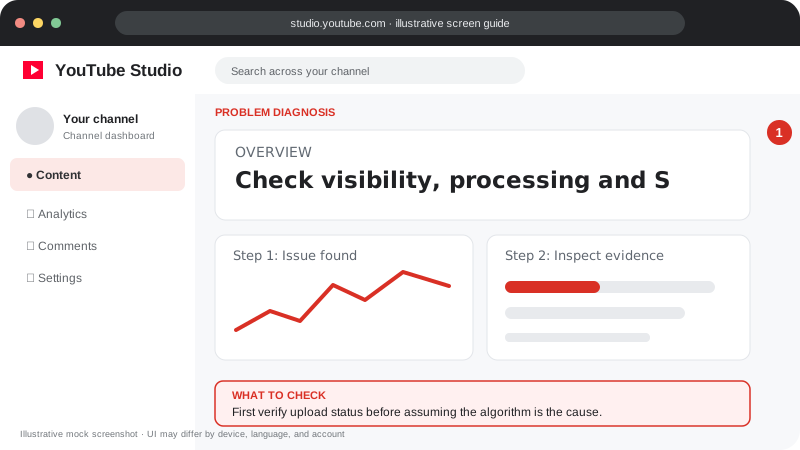
Problem screen
Shorts have zero views
First verify upload status before assuming the algorithm is the cause.
Check that the Short is accessible and fully processed, then inspect analytics before changing your whole content plan.
Check that the Short is accessible and fully processed, then inspect analytics before changing your whole content plan.
Follow the screen-style walkthrough below, then use the detailed checklist on this page. These are original illustrative mock screenshots—not copied official YouTube screenshots. Exact labels can vary by app version, device, language, and account.
First verify upload status before assuming the algorithm is the cause.
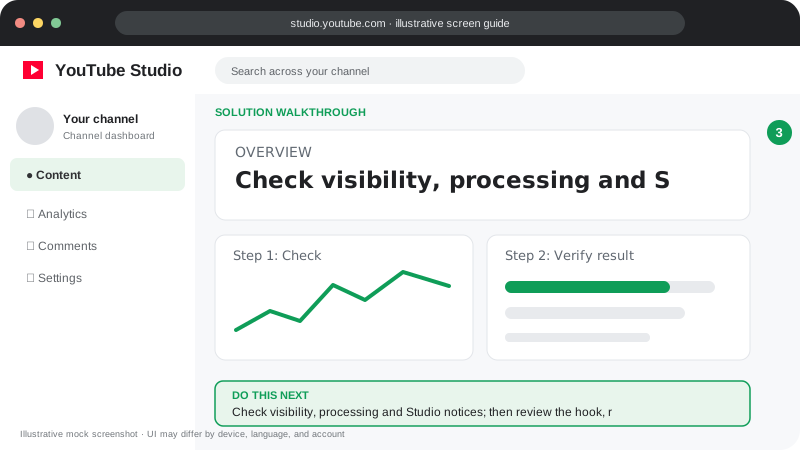
Check visibility, processing and Studio notices; then review the hook, retention and traffic sources.
Visuals are instructional mockups for learning, not live screenshots from your YouTube account. Confirm important settings in your own YouTube Studio.
Confirm the Short is public and visible on your channel.
Check processing, copyright and restriction notices in YouTube Studio.
Verify the video meets current Shorts format and upload requirements.
Give analytics time to populate and inspect traffic sources when available.
Make the first seconds clear and the subject immediately understandable on the next upload.
First check visibility and restrictions. Re-uploading without finding a real issue may not help.
Practical guidance for creators in different countries, languages, and device environments. Menu labels can vary by YouTube Studio version; follow the notices shown on your own account.
Check Studio → Content and the Shorts tab, then open the public link while signed out. Verify visibility, processing, restrictions, and the correct channel.
Review the Shorts analytics available for the video, including engaged views, viewed-versus-swiped-away, average view duration, and average percentage viewed where available. Interpret these with the video length and sample size.
Start with the actual payoff, question, demonstration, or story—not a long logo or greeting. Ensure captions and visuals make sense on a phone without relying on tiny text.
Do not use view-exchange groups, bots, or repeated self-refreshing. They do not create a real audience and may create invalid traffic.
Yes. Distribution can vary with audience response, topic interest, competition, and seasonality; there is no guaranteed view count.
YouTube’s guidance says Shorts performance does not inherently harm long-form video recommendations.
Official reference: Read YouTube Help for this topic ↗. Official rules and interface details may change; use the current page as the final authority.