🥈
Silver Creator Award
100,000 subscribers
Reach the milestone and meet the channel review requirements.
Understand Creator Award milestones, channel eligibility, and the safe way to check for your award redemption invitation.
YouTube Creator Awards recognize channels that reach subscriber milestones and pass YouTube’s eligibility review. Hitting a number does not guarantee an award; YouTube reviews each channel.
Reach the milestone and meet the channel review requirements.
One million subscribers, followed by eligibility review.
Ten million subscribers, subject to YouTube’s review.
The 100-million milestone; YouTube confirms award eligibility.
Follow the screen-style walkthrough below, then use the detailed checklist on this page. These are original illustrative mock screenshots—not copied official YouTube screenshots. Exact labels can vary by app version, device, language, and account.
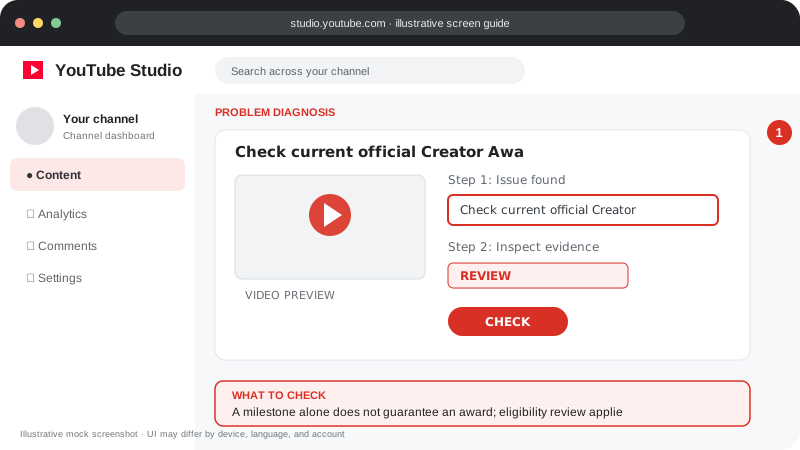
A milestone alone does not guarantee an award; eligibility review applies.
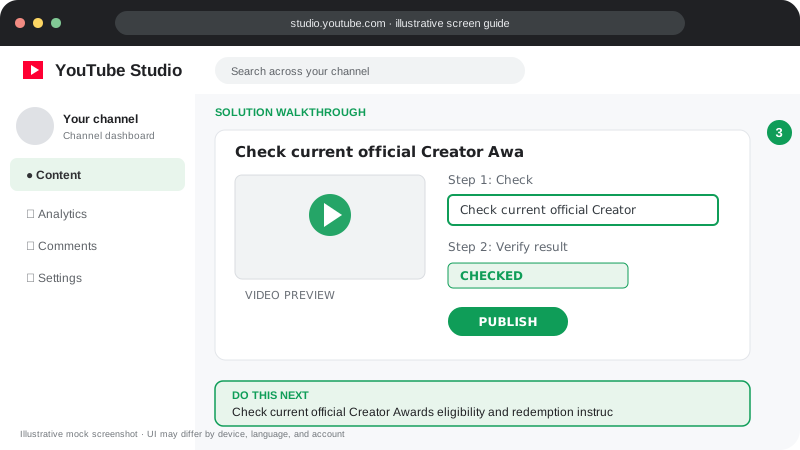
Check current official Creator Awards eligibility and redemption instructions in YouTube Help; never pay an unofficial seller to “unlock” an award.
Visuals are instructional mockups for learning, not live screenshots from your YouTube account. Confirm important settings in your own YouTube Studio.
Use YouTube’s own Creator Awards information and help pages for the latest rules.
YouTube for Creators ↗YouTube Help ↗← Back to all YouTube problem guides
Creator Awards eligibility and process ↗Practical guidance for creators in different countries, languages, and device environments. Menu labels can vary by YouTube Studio version; follow the notices shown on your own account.
Creator Awards are separate from YouTube Partner Program monetization. Subscriber milestones do not automatically guarantee an award; the channel must pass eligibility review.
Check YouTube’s official Creator Awards page for current subscriber milestones, eligible countries, channel standing, originality, and other criteria. Requirements and claim steps can change.
If eligible, follow the notification or redemption instructions from YouTube. Be cautious of third-party sites selling “official” awards or asking for account credentials.
Make sure the channel name and shipping details are correct during redemption. Check official guidance for delivery or region-specific questions.
No. Creator Awards have their own review and eligibility requirements.
YouTube reviews channel eligibility and may deny awards when the channel does not meet the current criteria.
Official reference: Read YouTube Help for this topic ↗. Official rules and interface details may change; use the current page as the final authority.