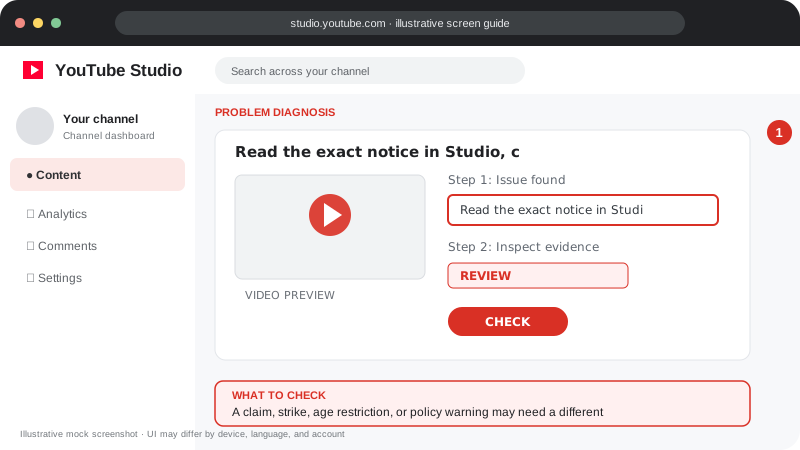
Problem screen
Copyright or policy concern
A claim, strike, age restriction, or policy warning may need a different response.
Understand the difference between copyright claims, strikes, restrictions and policy notices.
Disclaimer: Independent educational guide, not an official YouTube or Google website.
Use the current official interface and help resources if labels change.
Follow the screen-style walkthrough below, then use the detailed checklist on this page. These are original illustrative mock screenshots—not copied official YouTube screenshots. Exact labels can vary by app version, device, language, and account.
A claim, strike, age restriction, or policy warning may need a different response.
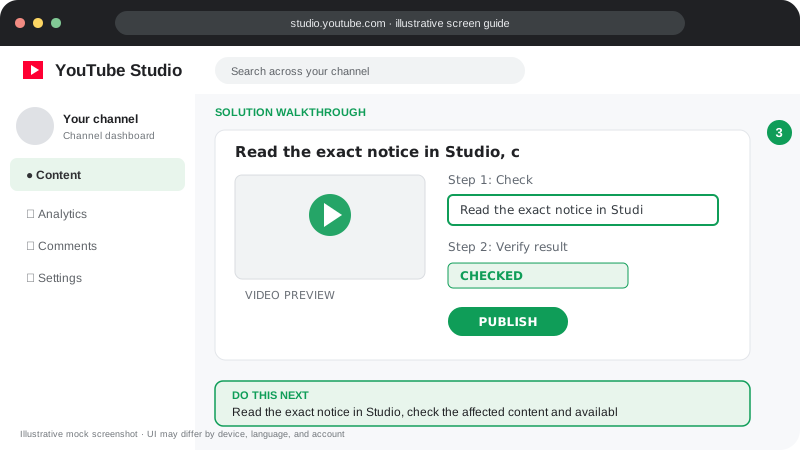
Read the exact notice in Studio, check the affected content and available official options, and dispute only when you have a valid basis.
Visuals are instructional mockups for learning, not live screenshots from your YouTube account. Confirm important settings in your own YouTube Studio.
Use these official YouTube resources to confirm current rules and interface details:
Practical guidance for creators in different countries, languages, and device environments. Menu labels can vary by YouTube Studio version; follow the notices shown on your own account.
A Content ID claim is different from a copyright strike. Community Guidelines warnings/strikes and copyright takedowns have different causes and response processes.
In Studio, read the notice, affected segment, claimant or policy basis, and available actions. Save relevant project files, licenses, and permissions.
Use a dispute or appeal when you have a good-faith legal or factual reason, such as ownership, a license, or a valid exception. Credit alone or “no infringement intended” is not permission.
Use 2-Step Verification, review channel permissions and Google Account security, remove unknown access, and beware of fake sponsorship emails and malware attachments.
No. Claims and takedown strikes are different processes with different consequences.
No. It is a formal legal process. Understand the requirements and consider qualified legal advice if uncertain.
Official reference: Read YouTube Help for this topic ↗. Official rules and interface details may change; use the current page as the final authority.