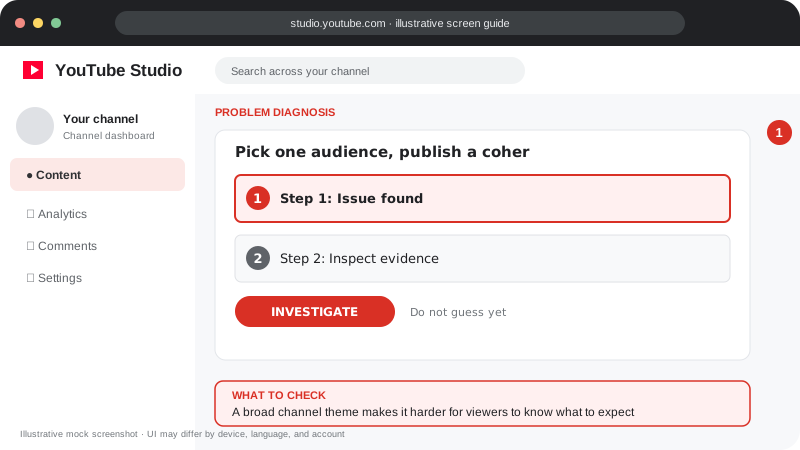
Problem screen
A new channel feels invisible
A broad channel theme makes it harder for viewers to know what to expect.
A new channel benefits from a clear audience, strong first videos and a learning loop based on analytics.
A new channel benefits from a clear audience, strong first videos and a learning loop based on analytics.
Follow the screen-style walkthrough below, then use the detailed checklist on this page. These are original illustrative mock screenshots—not copied official YouTube screenshots. Exact labels can vary by app version, device, language, and account.
A broad channel theme makes it harder for viewers to know what to expect.
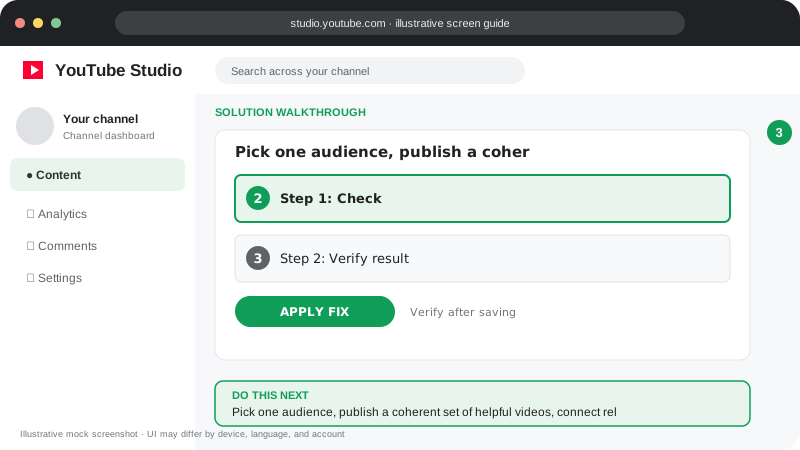
Pick one audience, publish a coherent set of helpful videos, connect related uploads, and refine from real viewer signals.
Visuals are instructional mockups for learning, not live screenshots from your YouTube account. Confirm important settings in your own YouTube Studio.
Complete the channel profile, banner, description and contact details as appropriate.
Pick two or three content pillars that serve the same audience.
Publish a sustainable schedule you can maintain without sacrificing quality.
Create several related videos and organize them into playlists.
After each upload, note what viewers clicked, watched and searched for.
There is no fixed number. Focus on improving each upload and learning from your audience.
Practical guidance for creators in different countries, languages, and device environments. Menu labels can vary by YouTube Studio version; follow the notices shown on your own account.
Describe who the videos help and what viewers can reliably expect. Choose a small set of related content pillars instead of uploading unrelated topics.
Create several strong videos answering common beginner questions. Use playlists, clear channel sections, and accurate descriptions to help people navigate.
Use a clear title and thumbnail, deliver the promised result, and check analytics after enough data accumulates.
Give viewers a reason to return: a series, a follow-up lesson, a recurring format, or a useful playlist. Do not use misleading subscriber giveaways.
There is no universal timeline. Results vary by audience demand, topic, quality, consistency, and competition.
Study structure and audience needs, but make the perspective, examples, and final content genuinely your own.
Official reference: Read YouTube Help for this topic ↗. Official rules and interface details may change; use the current page as the final authority.