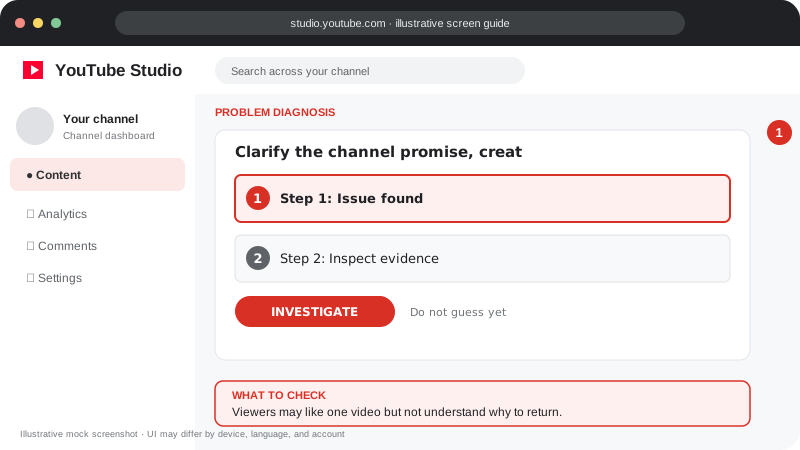
Problem screen
Subscriber growth has stalled
Viewers may like one video but not understand why to return.
Find out whether your videos attract the intended audience and give viewers a reason to return.
Find out whether your videos attract the intended audience and give viewers a reason to return.
Follow the screen-style walkthrough below, then use the detailed checklist on this page. These are original illustrative mock screenshots—not copied official YouTube screenshots. Exact labels can vary by app version, device, language, and account.
Viewers may like one video but not understand why to return.
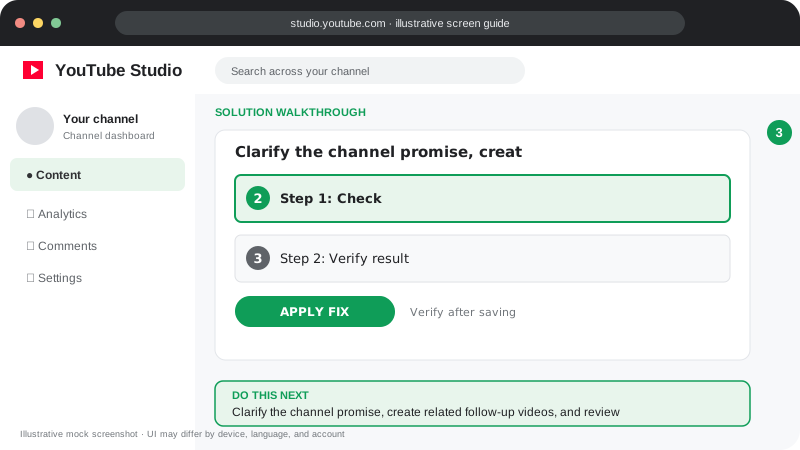
Clarify the channel promise, create related follow-up videos, and review returning viewers and subscribers gained in Analytics.
Visuals are instructional mockups for learning, not live screenshots from your YouTube account. Confirm important settings in your own YouTube Studio.
Compare subscribers gained by video in YouTube Analytics.
Identify topics that bring returning viewers, not just one-off clicks.
Make your channel promise clear on the homepage and in video openings.
Build related series so a viewer who likes one video can find the next.
Ask for a subscription only when it is relevant and after providing value.
Some videos answer a one-time question; explain the continuing value of your channel and make related videos easy to find.
Practical guidance for creators in different countries, languages, and device environments. Menu labels can vary by YouTube Studio version; follow the notices shown on your own account.
Review views, unique viewers where available, returning viewers, and subscriber changes. A stable subscriber count can coexist with improving reach.
A viewer should quickly understand what future value subscribing provides. Keep channel branding and the topics of recent uploads aligned.
Build connected series, answer follow-up questions, and use end screens or playlists to lead to the next relevant video.
Avoid sub-for-sub, purchased subscribers, and misleading incentives. Look at which videos attract viewers who actually watch more than one upload.
YouTube periodically removes spam or closed accounts, and displayed counts can change as systems update. Check Studio analytics and official notices.
A brief, relevant invitation is fine, but first deliver value and explain what subscribers can expect.
Official reference: Read YouTube Help for this topic ↗. Official rules and interface details may change; use the current page as the final authority.