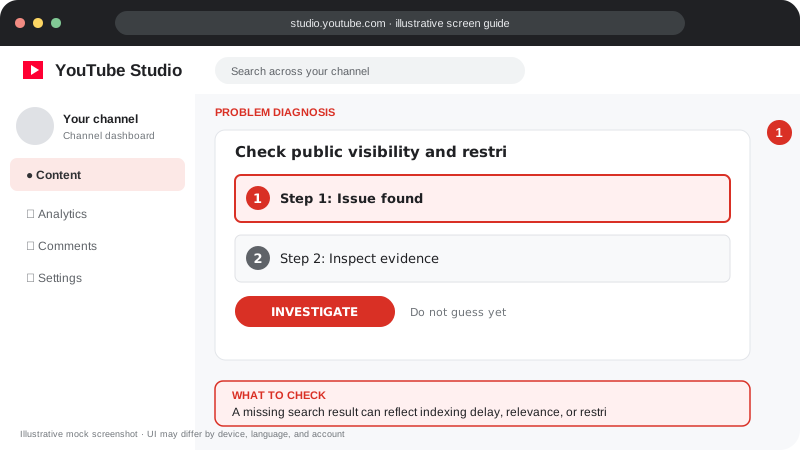
Problem screen
Video missing from search
A missing search result can reflect indexing delay, relevance, or restrictions.
Check access and indexing basics before assuming the video has been blocked from search.
Check access and indexing basics before assuming the video has been blocked from search.
Follow the screen-style walkthrough below, then use the detailed checklist on this page. These are original illustrative mock screenshots—not copied official YouTube screenshots. Exact labels can vary by app version, device, language, and account.
A missing search result can reflect indexing delay, relevance, or restrictions.
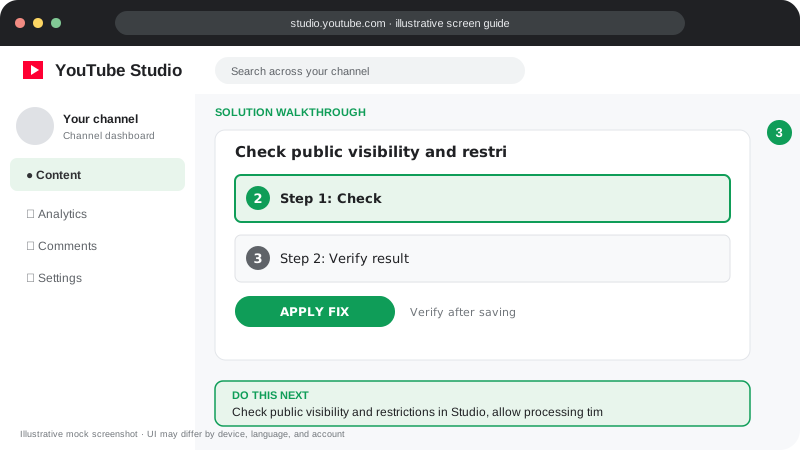
Check public visibility and restrictions in Studio, allow processing time, then align the title and opening with the exact viewer question.
Visuals are instructional mockups for learning, not live screenshots from your YouTube account. Confirm important settings in your own YouTube Studio.
Confirm the video is public and processing is complete.
Review Studio for restrictions, copyright notices or policy messages.
Search for the exact title and channel name; new videos may not appear immediately.
Make the title and description specific, accurate and aligned with the video.
Allow time and monitor traffic sources; use official help if Studio shows a restriction.
There is no guaranteed timing. Discovery and ranking can vary with video, query and channel context.
Practical guidance for creators in different countries, languages, and device environments. Menu labels can vary by YouTube Studio version; follow the notices shown on your own account.
Verify the video is Public and processing is complete. Inspect restrictions and open the video URL directly while signed out.
Search the exact video title or a distinctive phrase. New uploads, title changes, and newly created channels may not appear immediately in all search results.
Use an accurate title and description that naturally name the subject, problem, product, location, or audience. Include useful spoken explanation and chapters where appropriate; do not stuff unrelated keywords.
Use Analytics → Reach or traffic sources to see whether YouTube Search is sending viewers. Search results are personalized and competitive, so another account may see a different ordering.
No. Buying ads is separate from organic search ranking; payment does not purchase a higher organic position.
No. Write useful, readable context and avoid irrelevant or repetitive keyword stuffing.
Official reference: Read YouTube Help for this topic ↗. Official rules and interface details may change; use the current page as the final authority.