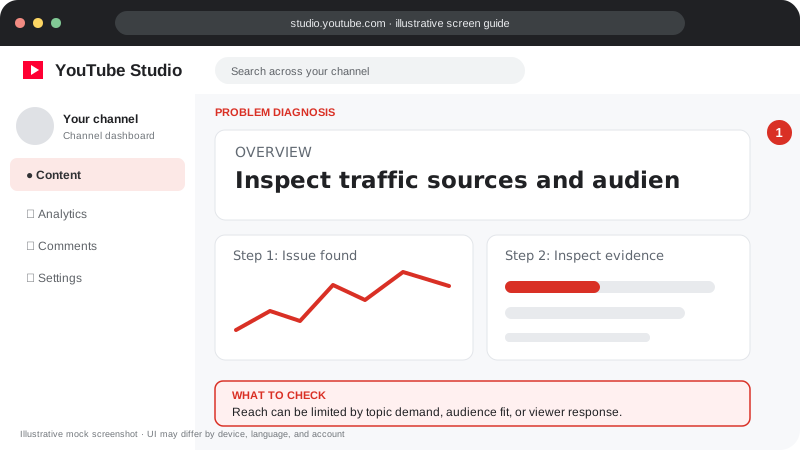
Problem screen
Video reach is limited
Reach can be limited by topic demand, audience fit, or viewer response.
Reach improves when a video fits a real viewer need and viewers respond well to the content and packaging.
Reach improves when a video fits a real viewer need and viewers respond well to the content and packaging.
Follow the screen-style walkthrough below, then use the detailed checklist on this page. These are original illustrative mock screenshots—not copied official YouTube screenshots. Exact labels can vary by app version, device, language, and account.
Reach can be limited by topic demand, audience fit, or viewer response.
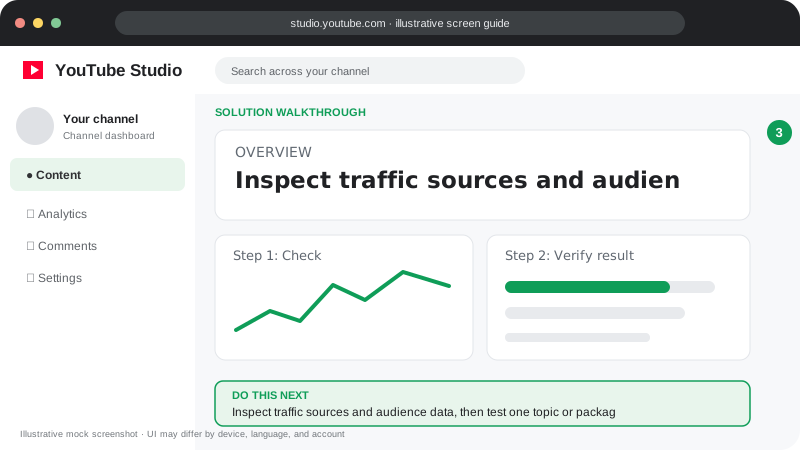
Inspect traffic sources and audience data, then test one topic or packaging improvement and compare similar uploads.
Visuals are instructional mockups for learning, not live screenshots from your YouTube account. Confirm important settings in your own YouTube Studio.
Choose one clear viewer and question for each video.
Research related searches and recurring questions in your niche.
Use an accurate title and thumbnail that explain the value quickly.
Create a strong opening and remove repeated or slow sections.
Use playlists, end screens and related videos where they genuinely help viewers continue.
Consistency can help your workflow, but relevance and viewer response matter more than volume alone.
Practical guidance for creators in different countries, languages, and device environments. Menu labels can vary by YouTube Studio version; follow the notices shown on your own account.
Check what your intended viewers ask, which videos bring returning viewers, and whether the topic is timely or seasonal.
Low impressions, low CTR, and early exits are different problems. Use Analytics to diagnose which stage needs work before changing everything.
Make title, thumbnail, first minute, and actual content tell the same story. Use end screens and playlists to help viewers find genuinely related videos.
Keep a simple log of topic, format, publish date, traffic sources, CTR, and retention. Compare like with like and adjust one major variable at a time.
No. Pick a schedule you can sustain without reducing usefulness or originality.
It can bring relevant viewers, but unrelated or incentivized traffic may not produce meaningful watch time or satisfaction.
Official reference: Read YouTube Help for this topic ↗. Official rules and interface details may change; use the current page as the final authority.